WiFi Pellet Grills: What to Check Before Buying
What a WiFi pellet grill really adds: phone alerts, remote temperature changes, the 2.4 GHz rule, probes and when a manual grill is the better buy.

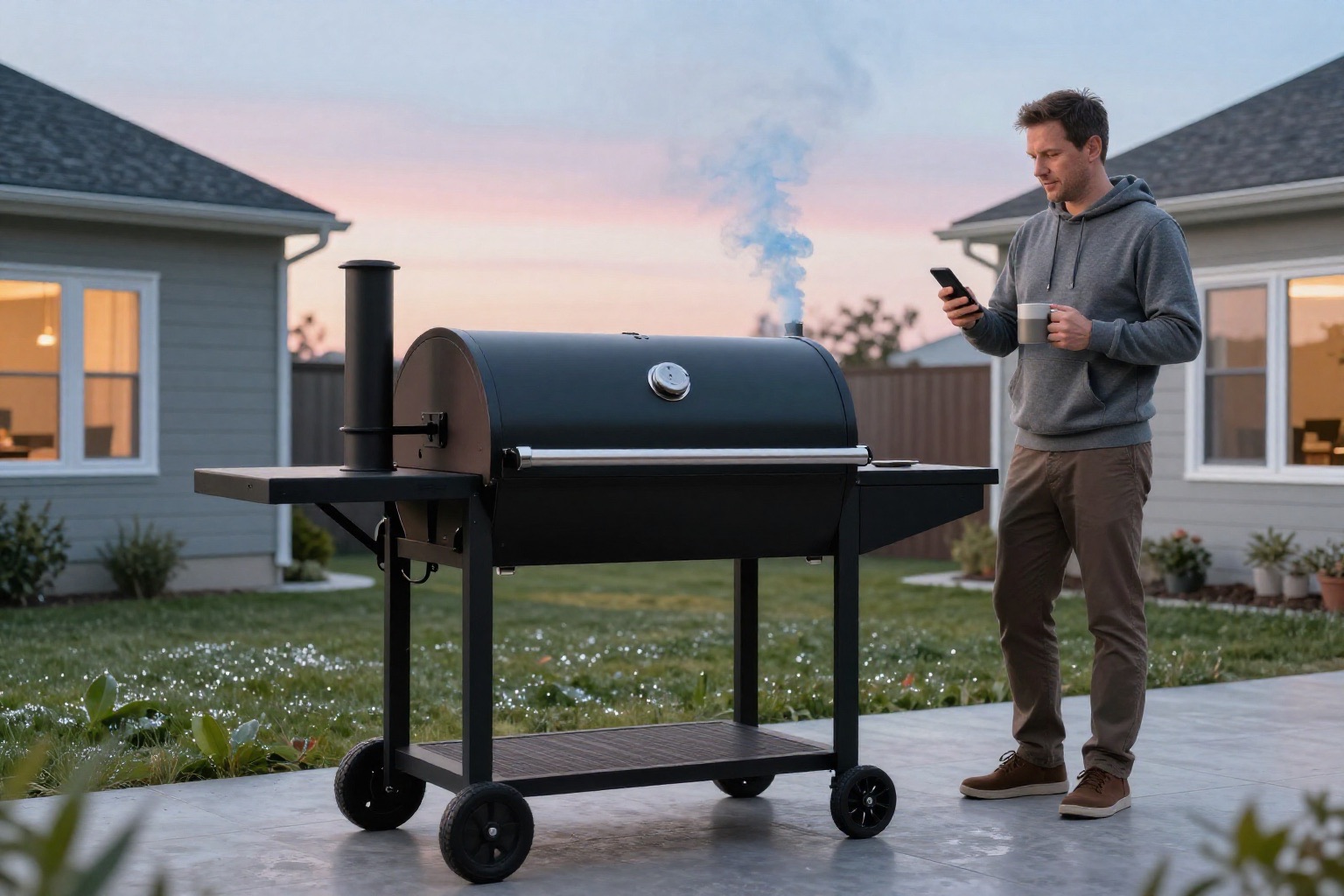
A WiFi pellet grill lets you watch the grill and food temperature on your phone, get an alert when the meat hits its target and, on grills with full app control, change the set temperature from the couch. The catch is practical: most grills only join a 2.4 GHz network, the signal has to reach the patio, and the manufacturers still expect an adult within sight of the fire. If you mostly cook short, hot meals while standing next to the grill, a manual controller and a separate wireless thermometer often give you the same comfort for less.
Affiliate disclosureAs an Amazon Associate we earn from qualifying purchases made through links on this page. Commissions never change our ratings.
What the app actually does on a WiFi pellet grill
Three features hide behind the word WiFi, and listings rarely separate them:
- Monitoring: grill temperature and probe readings on your phone. Traeger’s Ironwood manual says the app sends a push notification when the meat reaches the alarm temperature you set.
- Control: changing the set temperature, starting a timer or the shutdown cycle from the app. This is the part that saves trips to the patio during a long cook.
- Updates and recipes: the Woodridge Pro manual explains that a connected grill downloads new firmware by itself, and the Ironwood manual describes recipes from the app setting and adjusting the temperature automatically.
Before you pay for connectivity, check which of the three the listing names. “App compatible” can mean a Bluetooth thermometer in the box, which is useful but not the same as running the grill from your couch.

Check your network before the grill arrives
This is where most setup trouble starts. Traeger’s Woodridge Pro manual is blunt: the router signal must be 2.4 GHz, because the grill cannot see a 5 GHz network. A dual-band router works as long as the 2.4 GHz band is on. The same manual explains why makers stick to it: 2.4 GHz reaches further and gets through walls better than 5 GHz.
On the Woodridge Pro, pairing runs in two steps: the phone talks to the grill over a temporary Bluetooth link, then hands it your WiFi network. Traeger’s Ironwood manual adds two placement tips worth copying for any brand: face the grill towards the router and make sure the signal is strong where the grill stands, using a WiFi extender if needed. Walk to the spot with your phone first. If a video call stutters there, the grill will drop out too.
Power matters as well. Every pellet grill needs an outlet, and Traeger asks for GFCI protection and an outdoor-rated No. 14 AWG extension cord if you use one. Plan the cord and the router in the same walk around the yard.
Probes: count them, and know which one does what
Every pellet grill has a temperature sensor inside the cook chamber; that is what the controller and the app show as grill temperature. Meat probes are separate, and the number matters more than the WiFi logo when you cook two things at once. The Woodridge Pro takes two wired probes plus two of Traeger’s wireless thermometers, and you can set a separate alert for each.
| Grill | Connection | What the manual says |
|---|---|---|
| Traeger Woodridge Pro | WiFi + Bluetooth | 2.4 GHz only, 2 wired probe jacks, goal alert per probe, automatic firmware updates |
| Traeger Ironwood | WiFi | push notification at the probe alarm, Super Smoke at 165–225°F |
| Green Mountain Trek Prime 2.0 | WiFi on your local network | runs on 12 V DC, 150–550°F range |
| Traeger Pro 22 | none | dial controller and meat probe, no app, 18 lb hopper |
Probe placement still decides the reading. Traeger’s manuals ask for the tip in the thickest part of the meat, at least 2 inches deep and away from bone. An app only relays what the probe sees.

Is WiFi worth it over a manual pellet grill?
WiFi earns its keep on long, low cooks: a brisket or pork shoulder that runs through the night or across an afternoon. Being able to check the probe from the house, nudge the temperature and get an alert instead of opening the lid is real value there. It also helps if the grill stands far from the kitchen.
It earns less on quick, hot cooking. Burgers, steaks and wings want you at the grate anyway. Remote control also does not replace supervision: the Green Mountain Trek manual says a responsible adult should be able to see the grill and be close enough to deal with an emergency while it is run from the app. Keep that in mind before you plan to start the grill from work.
The honest middle ground is a non-WiFi grill plus a wireless meat thermometer. You get the probe alert on your phone, you keep a simpler controller and you change the temperature by hand, which on a short cook you were going to do anyway.
Which WiFi pellet grill from our ranking fits which cook
- Long smokes, largest grate: Traeger Ironwood 885 (885 sq in and WiFi per the listing, rated 8.3/10) sits at the top of our WiFi pellet grill ranking.
- Big family cooks with app control: Traeger Woodridge (860 sq in, WiFi, 8/10) or the 970 sq in Traeger Woodridge Pro with the dual-probe controller described above.
- High heat and WiFi on one grill: Pit Boss 850 Navigator (932 sq in, 30 lb hopper per the listing). Pit Boss says its Navigator 850 runs 180 to 500°F indirect and up to 1,000°F of direct flame when you open the Flame Broiler.
- WiFi you can take camping: Green Mountain Trek Prime (7.9/10). Green Mountain says the Trek runs on 12 V DC and takes either a wall plug or a 12 V plug.
- No app needed: Traeger Pro 22, our top-rated grill overall at 9.4/10, paired with a wireless thermometer.
Not sure the grill will see your router? Read our temperature control guide first: a steady controller matters more than the app on top of it.
Our rated picks
The three best-rated models of our best WiFi pellet grills ranking, from buyer reviews and the listed specs.


Product images: Amazon listings
Frequently asked questions
Which WiFi pellet grills send alerts to your phone?
Grills with a connected controller do, through the brand’s app. Traeger’s Ironwood manual, for example, describes a push notification when the meat probe reaches the alarm temperature you set.
Do WiFi pellet grills work on 5 GHz WiFi?
Usually not. Traeger’s Woodridge Pro manual says the router signal must be 2.4 GHz and that the grill cannot see 5 GHz; a dual-band router works if its 2.4 GHz band is on.
Is a WiFi pellet grill worth it compared with a manual one?
For long overnight or afternoon smokes, yes, because you can check and adjust from the house. For quick, hot cooks a manual grill plus a wireless meat thermometer covers most of the benefit.
Can I leave a WiFi pellet grill running while I am away?
The manuals say no. Green Mountain Grills asks that a responsible adult can see the grill and reach it quickly whenever it is operated from the app.
Sources
- Traeger (copy hosted by The Home Depot) — Woodridge Pro owner’s manual (PDF) (consulted Nov 2026)
- Traeger — Ironwood owner’s manual (PDF) (consulted Nov 2026)
- Green Mountain Grills — Trek Prime 2.0 owner’s manual (PDF) (consulted Nov 2026)
- Pit Boss — Temperature Control: What the Flame Broiler and PID Controller Actually Do (consulted Nov 2026)
- Traeger — Pro Series 22/34 owner’s manual (PDF) (consulted Nov 2026)
Products mentioned
- Traeger Ironwood 885 (exact listing) · Rating and specs
- Traeger Woodridge (exact listing) · Rating and specs
- Traeger Woodridge Pro (exact listing) · Rating and specs
- Pit Boss 850 Navigator (exact listing) · Rating and specs
- Green Mountain Trek Prime (exact listing) · Rating and specs
- Traeger Pro 22 (exact listing) · Rating and specs